Tutorial for field owners
Bring regular groups to your pitches
Add your venue, put up your poster, and see the regular groups that play with you. Free, and no money passes through your account.
About 5 minutes · 7 steps
Step 1
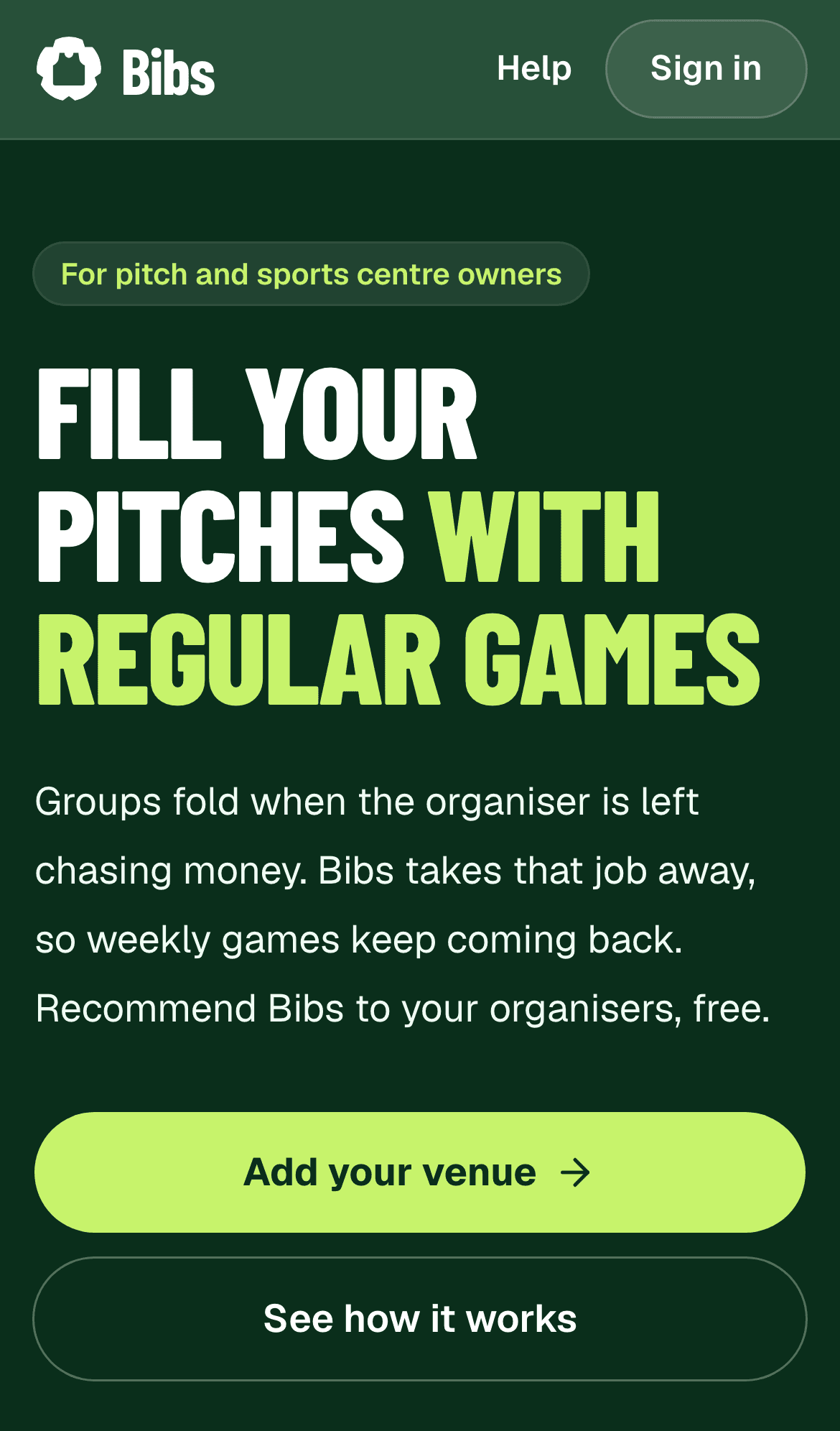
Find out what Bibs does for venues
Bibs takes the money chasing away from organisers, so weekly games keep coming back. Recommending it is free.
Step 2
Add your venue
Tap Add your venue, sign in with your email, and enter your venue's name, address, town and postcode.
Bibs then checks that you really run the venue. We'll email you when it's verified.
More detail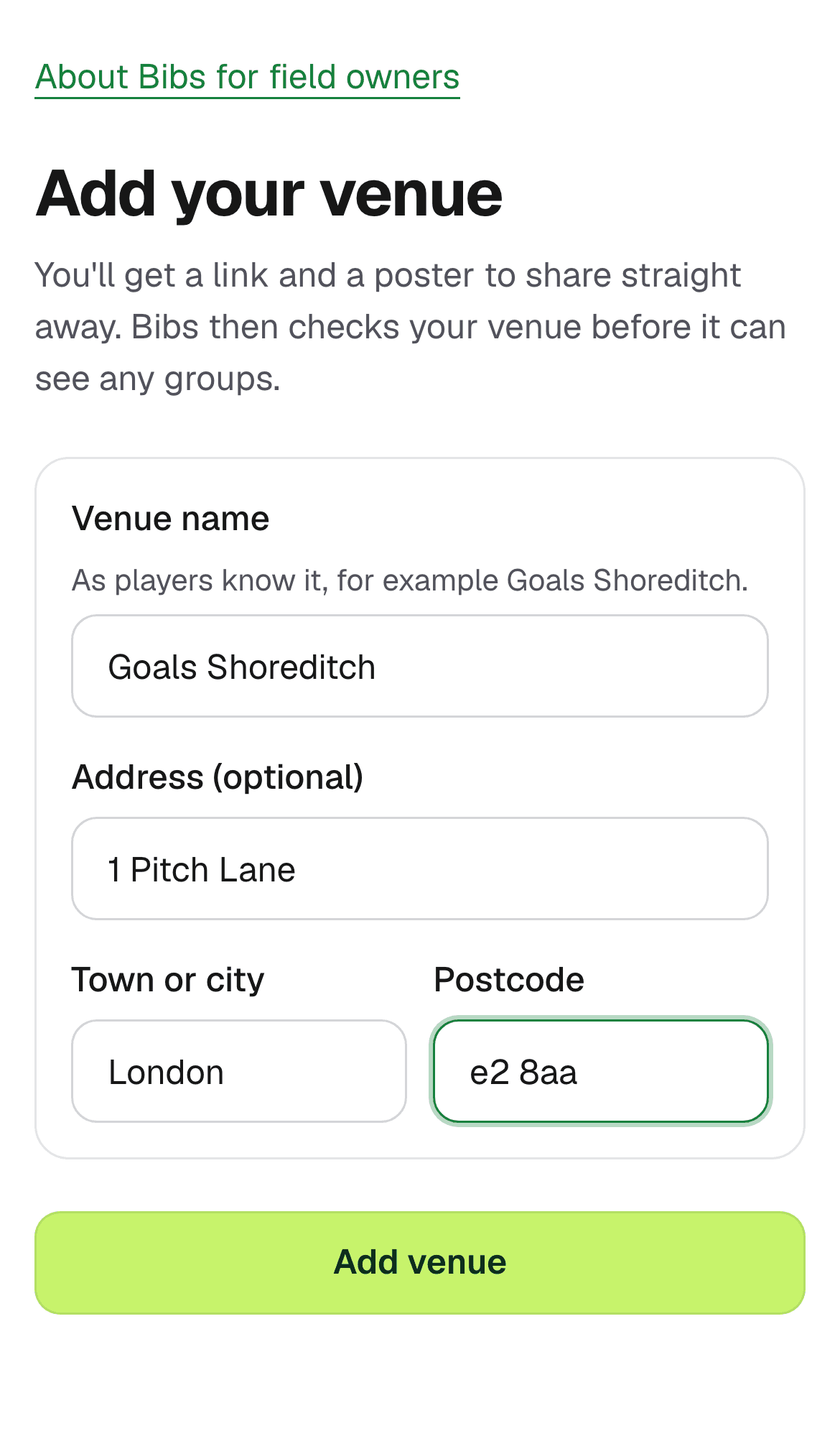
Step 3
Share your link
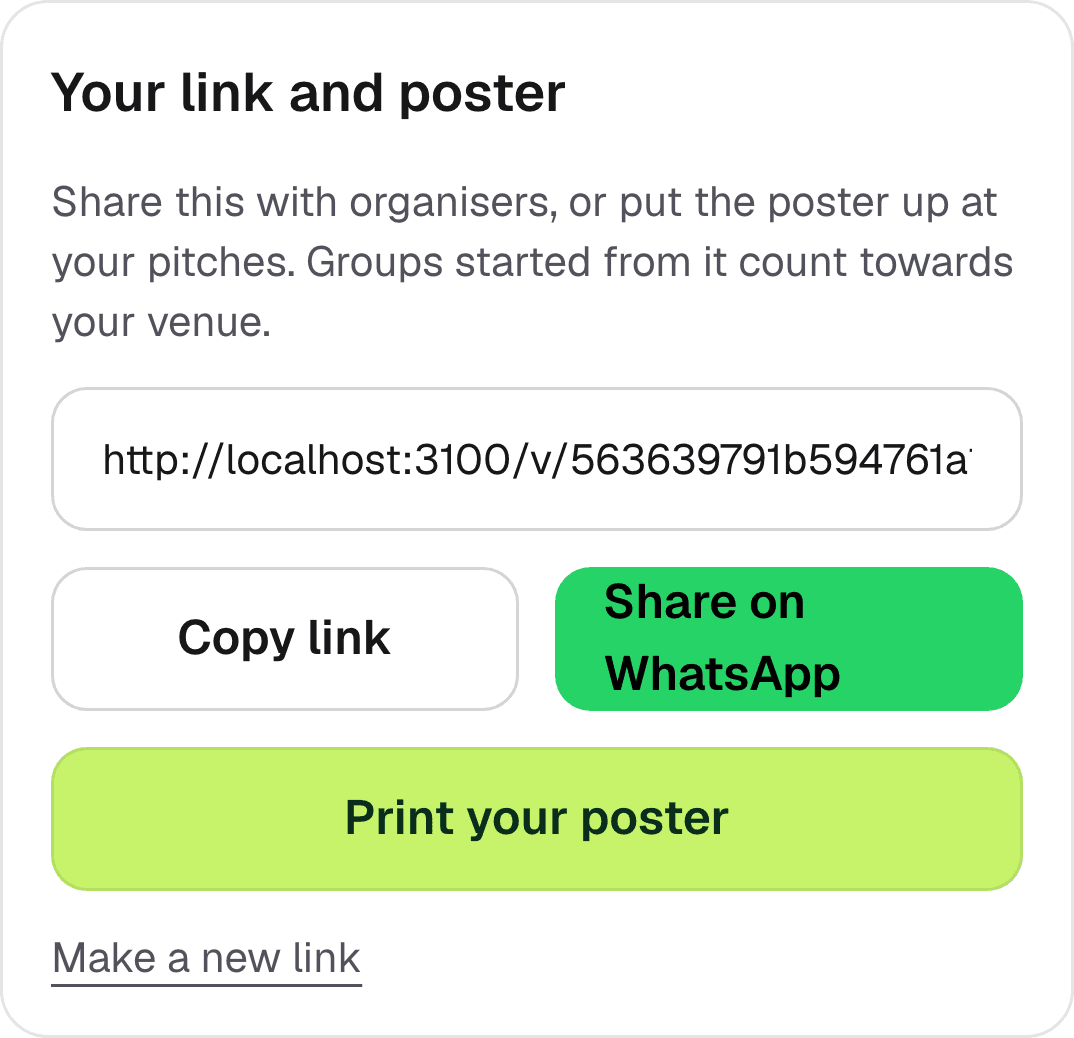
Your venue page has your own link. Share it with organisers on WhatsApp, or copy it into your emails and booking confirmations.
Step 4
Add your logo
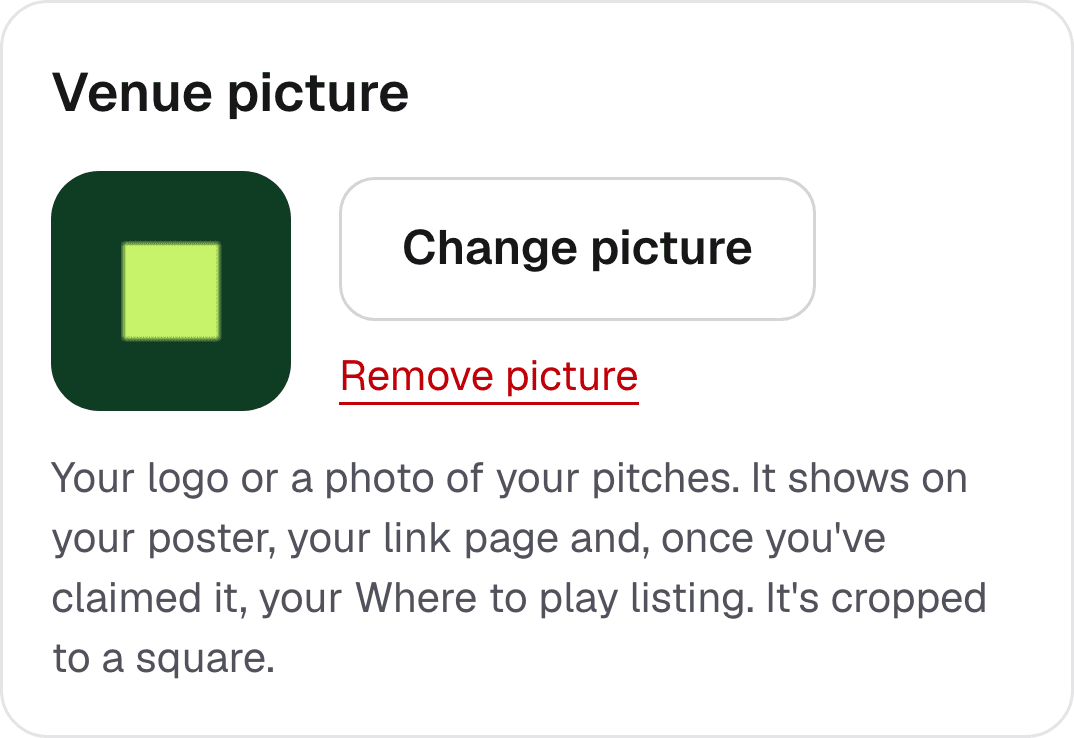
On your venue page, tap Add a picture under Venue picture. Your logo goes on your poster and your link page.
Step 5
Put up your poster
Tap Print your poster and print it on A4. Put it at reception, in the changing rooms or by the pitches.
Organisers scan the code to start their group. Groups started this way count for your venue.
More detail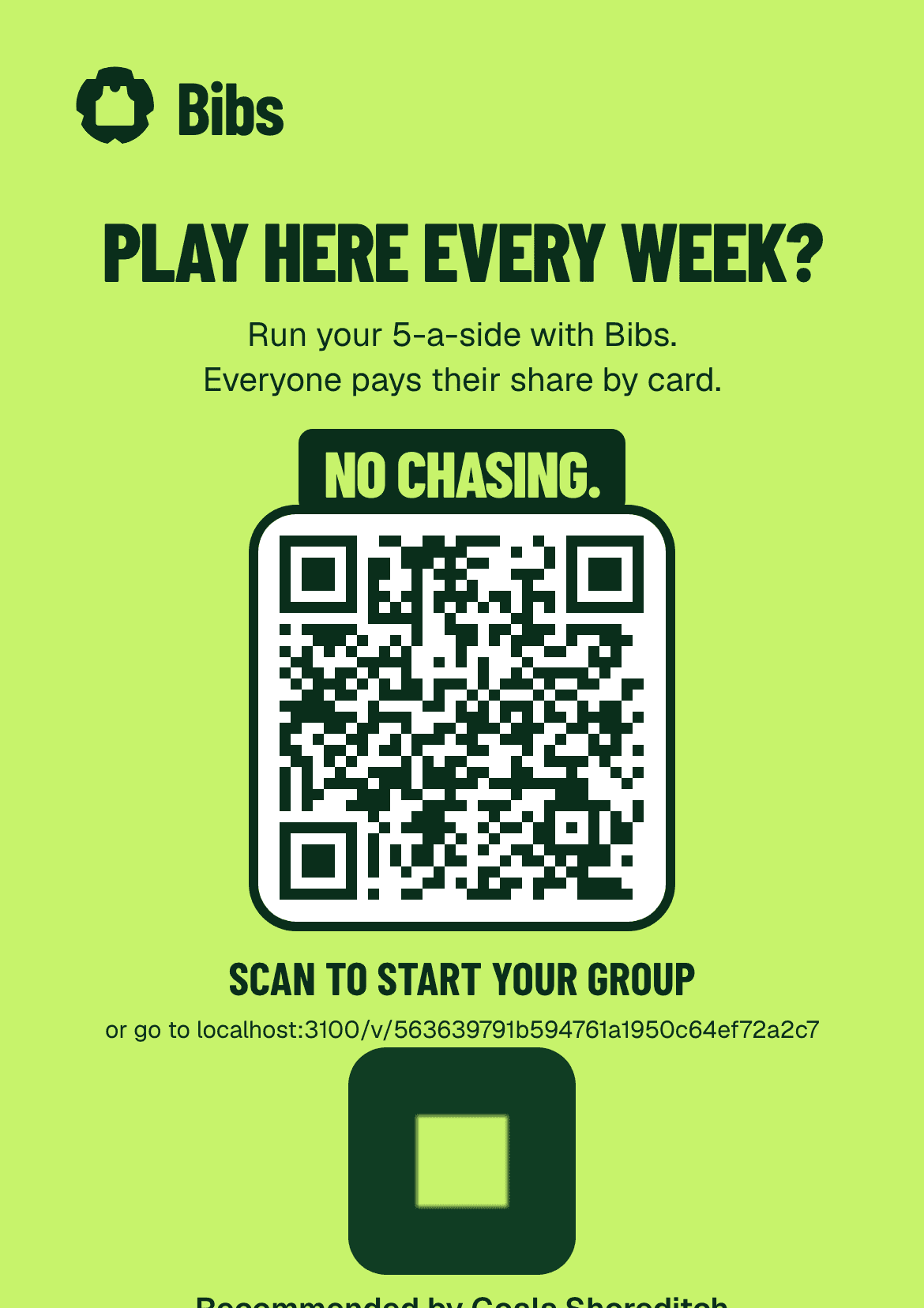
Step 6
What organisers see
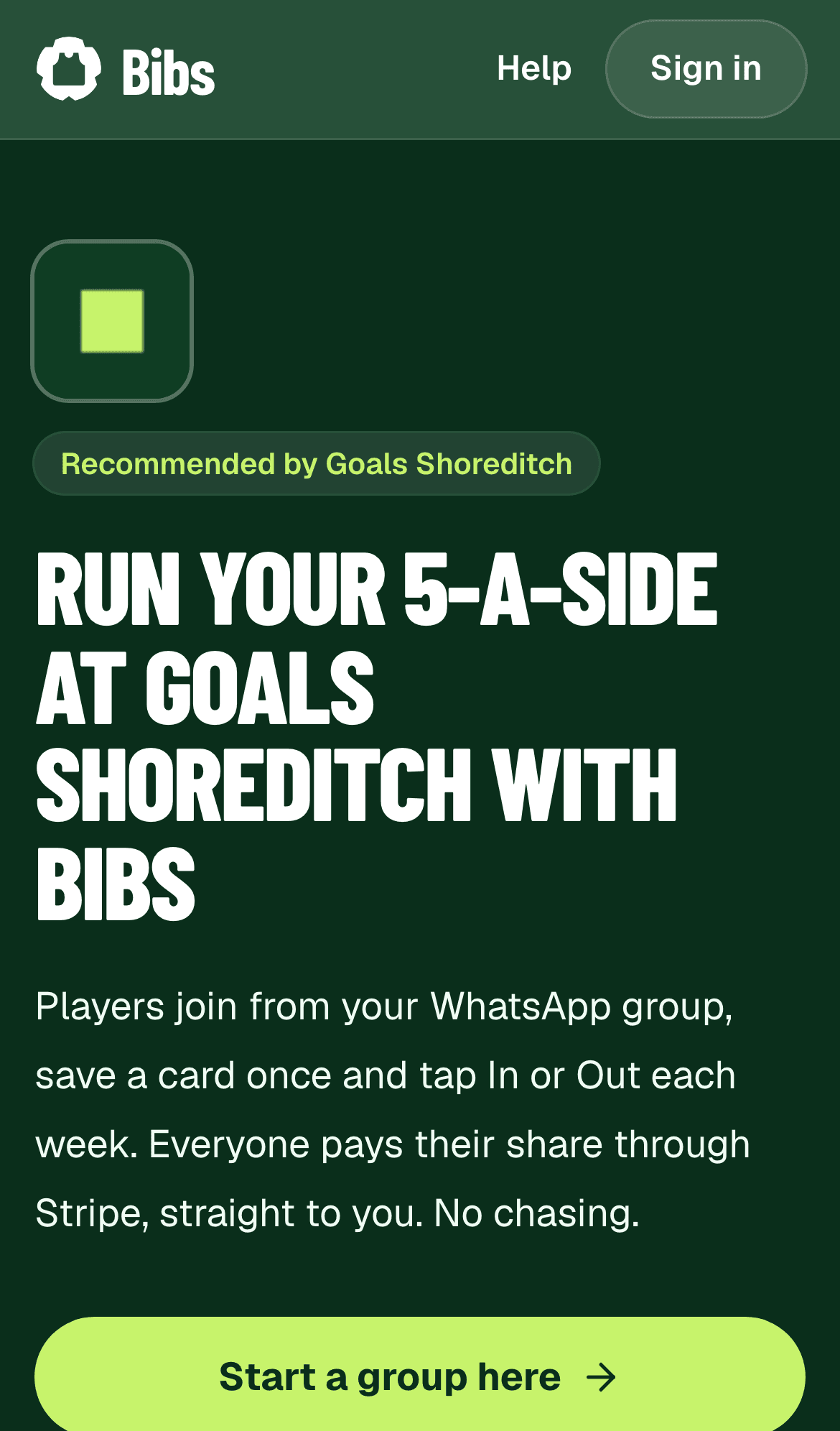
When an organiser scans your poster, they see that you recommend Bibs, and can start a group in a couple of minutes.
They can choose to share their group with you. It's always their choice.
Step 7
See your regular groups
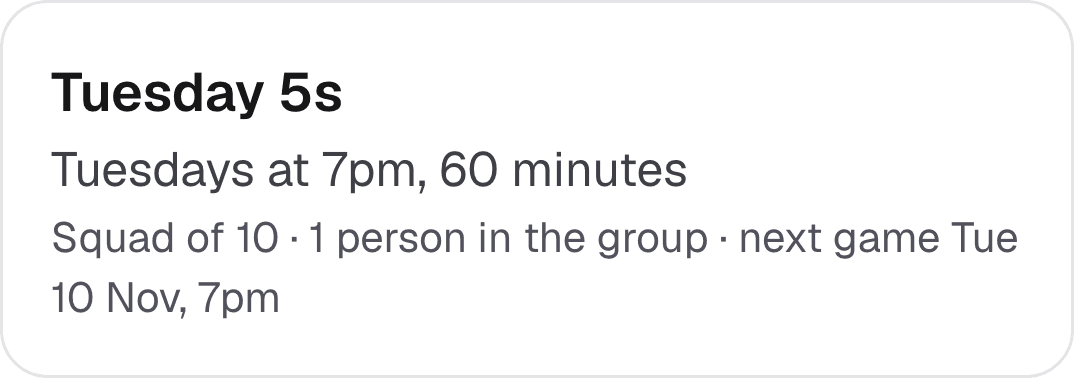
Once you're verified, your venue page lists the groups that chose to share with you: name, day, time, squad size and how many people are in it.
You never see anyone's name.
More detail